Create a dish
A dish is the reusable food record behind one or more menu items.
Steps
- Open Dishes in the left navigation.
- Select New dish.
- Add a customer-friendly name, description, ingredients or recipe notes, dietary flags, and photo.
- Optionally add recipe-costing details to understand your margin. Costing is a Premium feature — see recipe costing.
- Save the dish.
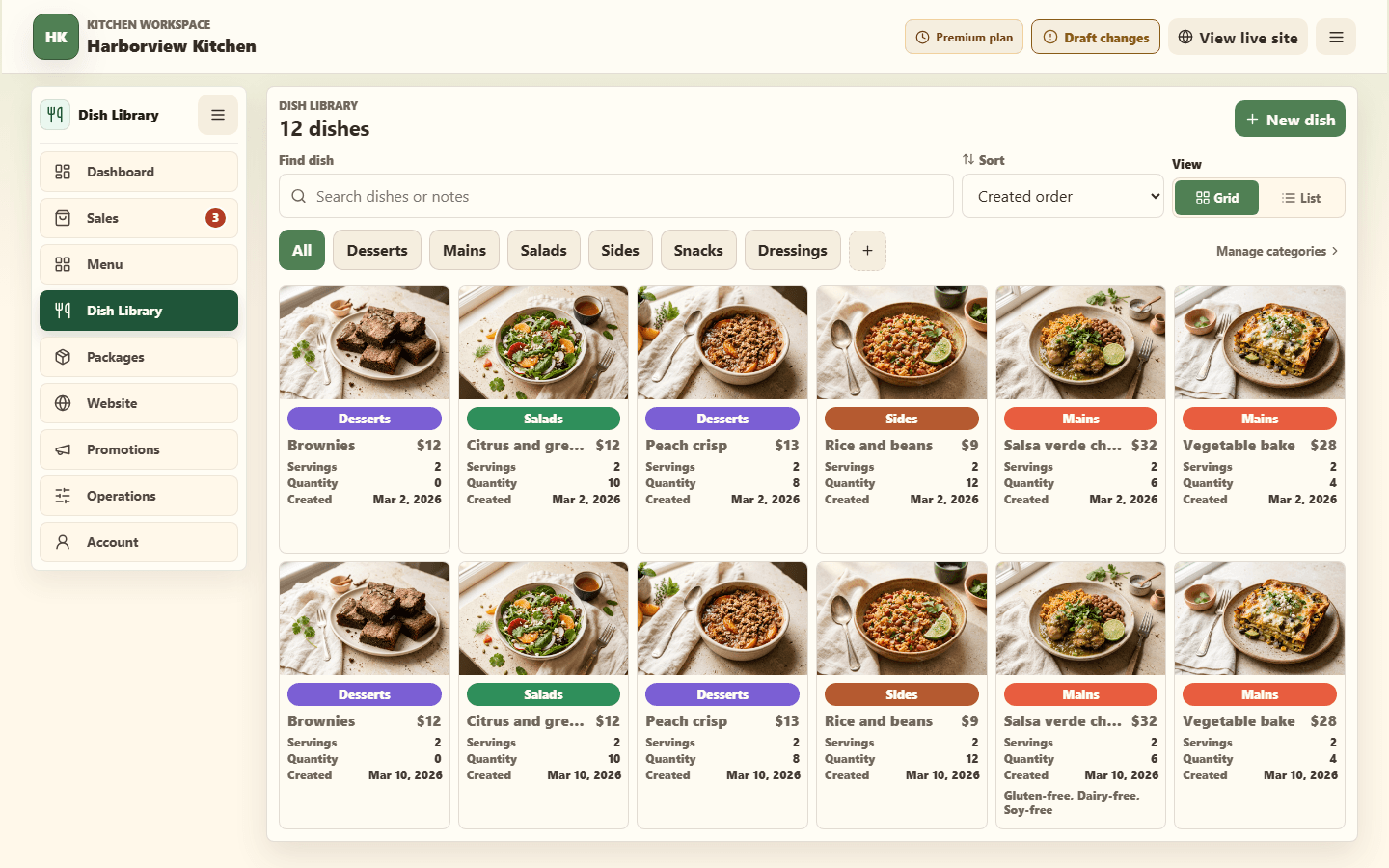
Creating a dish does not make it orderable. Open Menu, select Browse library, choose the dish, and use Add to week of … to put it on a menu week. It picks up your kitchen's pickup day and order cutoff automatically.